

Education
What is a VPN and do you really need one in 2026?
The VPN industry has spent a decade shouting that you’ll be hacked, surveilled, and robbed if you don’t subscribe immediately. That’s mostly marketing. But what is a VPN really doing for you, when do you actually need one, and when don’t you, that’s what this guide answers, with no fearmongering and no hype.
What is a VPN? The one-sentence definition
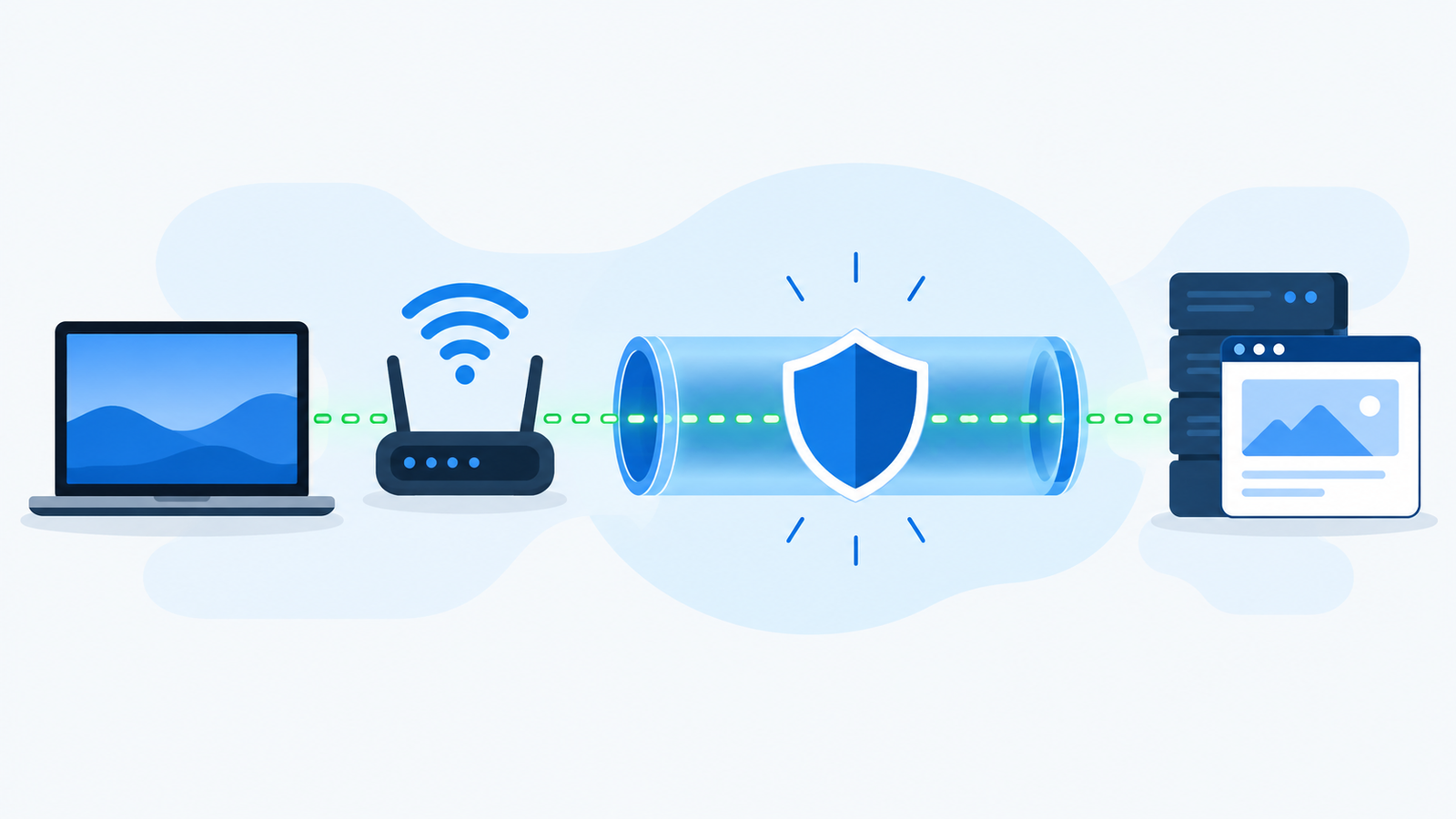
A VPN creates an encrypted tunnel between your device and a remote server, so your internet provider sees nothing except encrypted data going to that server, and the websites you visit see the server’s IP address instead of yours.
Why this matters to you
Think about what your internet connection normally looks like. You open Netflix on your laptop. Your home router sends the request to Comcast or AT&T. Comcast sees that you connected to Netflix. Netflix sees your real IP address and your approximate location. Comcast also sees which specific shows you streamed and how long you watched.
With a VPN running, the picture changes. Your laptop sends everything to the VPN server first, encrypted. Comcast sees an encrypted blob going to a VPN server and nothing else. Netflix sees the VPN server’s IP address, which might be in a different city or country, not yours.
Whether any of that matters to you depends on what you actually do online. That’s the real question, and we’ll get to it in a minute.
How a VPN actually works (without the jargon)
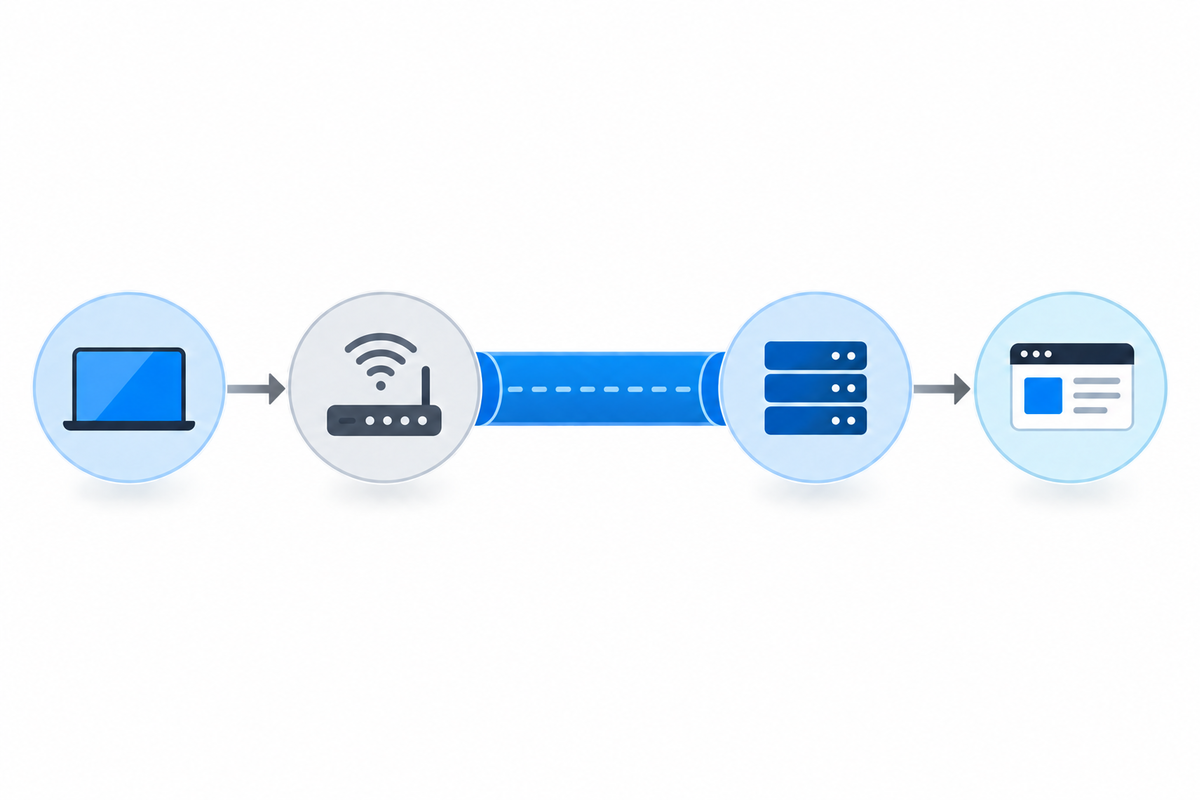
Four things happen the second you turn on a VPN:
01. Authentication
Your VPN app logs into the provider’s network with your account credentials. This is invisible and takes less than a second.
02. Tunnel setup
Your device and the chosen VPN server agree on encryption keys. From this point on, every piece of data between them is encrypted. Anyone watching the connection sees random-looking data they can’t decrypt.
03. Routing change
Your device’s network routing gets rewritten so that all internet traffic flows through the tunnel instead of directly to your ISP. Apps on your device don’t know or care.
04. Exit
At the VPN server, your traffic exits back onto the normal internet. The destination website sees the VPN server’s IP address, not yours. Responses come back through the encrypted tunnel.
The important consequence: to your ISP, you appear to be connected only to the VPN server. To the websites you visit, you appear to be sitting wherever the VPN server is located.
Original editorial image created for VPNVertex.
When you actually need a VPN
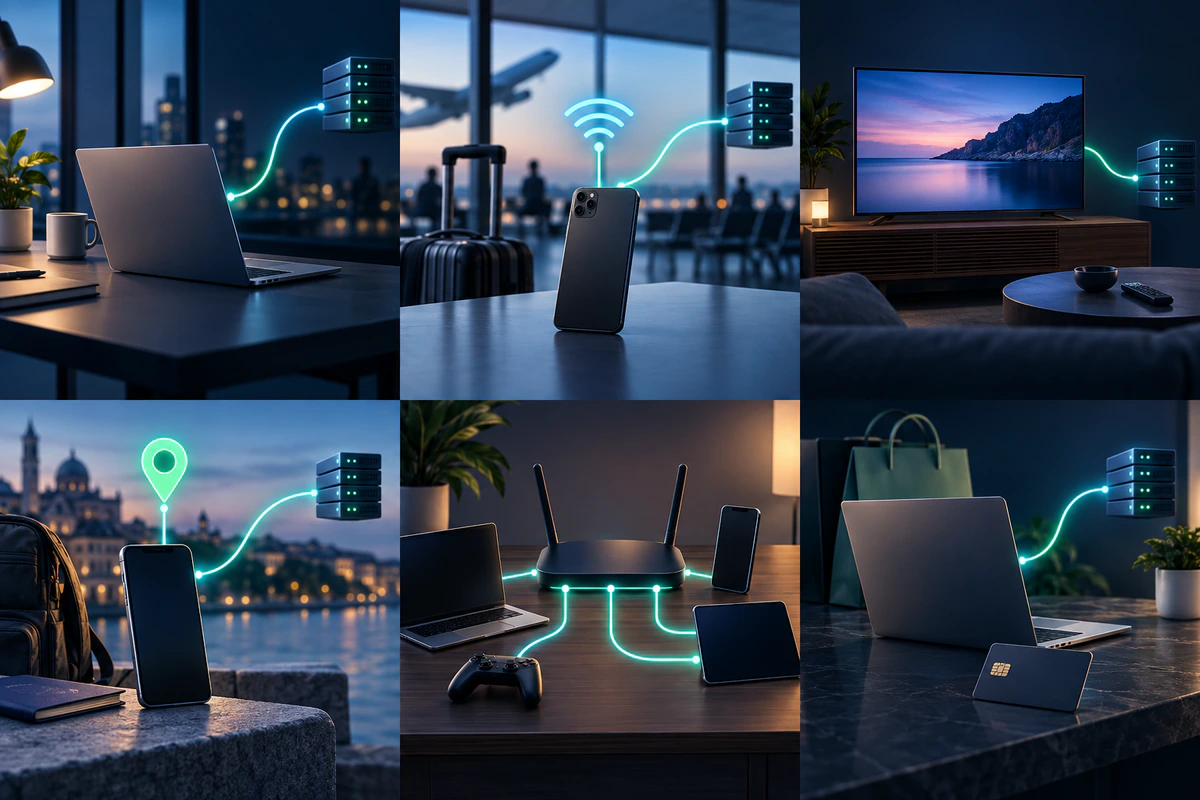
Here are the situations where a VPN makes a real difference, not a marketing-pitch difference.
Accessing streaming content from other regions
Netflix has different catalogs in different countries. BBC iPlayer only works in the UK. Peacock blocks most non-US traffic, even for paying US subscribers traveling abroad. A VPN with servers in the right country solves all of this. See our guide on how to watch Hulu from outside the US.
Using public Wi-Fi regularly
Coffee shops, airports, hotels, any Wi-Fi network shared with strangers is a place where a VPN matters. HTTPS is now nearly universal, but DNS leaks, redirect attacks, and malicious captive portals are still real. A VPN closes most of those gaps.
Traveling to countries with internet restrictions
China, Iran, Russia, UAE, Turkey, Vietnam, all have active internet filtering. A VPN built to handle these environments lets you use the internet normally. Free VPNs fall apart here. ExpressVPN, Astrill, and NordVPN are the three that consistently work in China in 2026.
Working remotely with sensitive information
Small business owners, consultants, freelancers handling client data. A VPN is a basic layer of protection against network-level surveillance and against your ISP building a profile of your browsing.
Bypassing ISP throttling
US ISPs have been repeatedly caught slowing down specific types of traffic during peak hours. Since the VPN encrypts all your traffic, the ISP can’t see what you’re doing, so it can’t selectively throttle specific services.
Privacy from your ISP
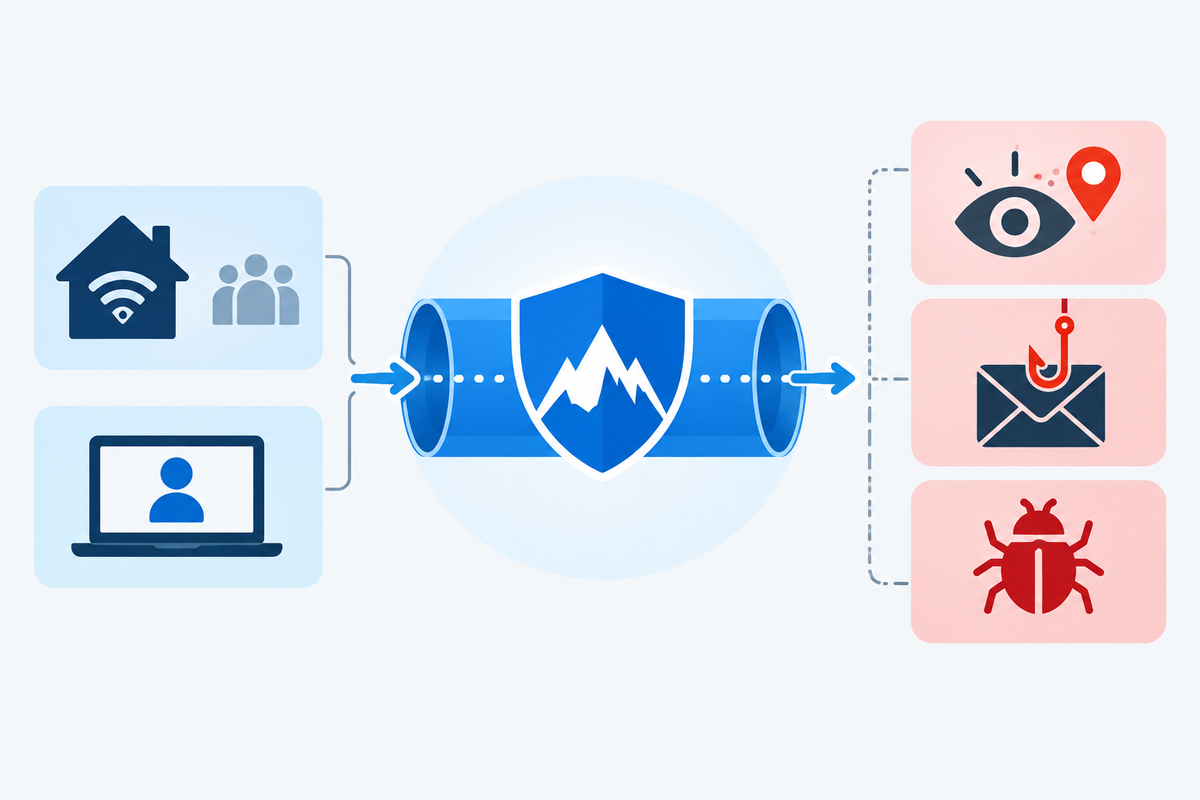
Your ISP knows every site you visit. That data gets logged, sometimes sold to advertisers, sometimes handed over under subpoena. If you’re uncomfortable with that, a VPN is the cleanest way to stop your ISP from seeing your browsing.
When you probably don’t need a VPN
This is the section most VPN review sites skip because honesty hurts their affiliate revenue. Here’s the honest answer.
You only use your home Wi-Fi and don’t care about streaming restrictions
If your entire internet life happens on a password-protected home network, and you’re happy with what your streaming services show you in the US, a VPN doesn’t add much. Your ISP knows your habits, yes, but that’s a tradeoff you may be fine with. If most of your browsing happens there, our guide to whether you need a VPN at home gives a more specific answer.
You think a VPN makes you anonymous
It doesn’t, not really. A VPN hides your IP from websites, but those websites still track you through cookies, browser fingerprints, and account logins. If you log into Google while on a VPN, Google still knows it’s you. True anonymity requires Tor and serious operational discipline. See VPN vs Proxy vs Smart DNS for when each tool fits.
You want to “stop hackers”
Running a VPN does not stop malware, phishing, or someone stealing your password through a fake login page. Those threats operate at layers a VPN doesn’t touch. A password manager, two-factor authentication, and a modern browser do far more for your security than a VPN ever will.
You just want faster internet
A VPN never makes your internet faster on its own. It can offset ISP throttling in some cases, but in isolation, it costs you 5 to 15% of your speed to the encryption overhead. If slow internet is your problem, check your Wi-Fi, your ISP plan, and your router before you pay for a VPN.
Original editorial image created for VPNVertex.
How to pick a VPN that fits what you actually need
If you’ve read the above and you still want a VPN, there are five things worth checking before you pay anyone.
| Jurisdiction | Countries in the “5 Eyes” alliance (US, UK, Canada, Australia, New Zealand) have stronger surveillance powers than Panama, the British Virgin Islands, or Switzerland. Look for providers whose no-logs claims have been independently audited (PwC, Deloitte, Cure53). |
| Servers | More servers isn’t automatically better, but global coverage matters if you travel or want to reach specific country catalogs. Most reputable providers operate 3,000 to 9,000 servers across 60+ countries. |
| Speed | Run-of-the-mill VPNs cost you 20 to 40% of your line speed. Good ones cost you 5 to 15%. WireGuard-based protocols (NordLynx, Lightway) are dramatically faster than classic OpenVPN. |
| Streaming | Not every VPN unblocks Netflix. Streaming services actively block known VPN IP ranges, and the cat-and-mouse favors providers that invest in streaming-optimized servers. NordVPN, ExpressVPN, and Surfshark all do this well in 2026. |
| Price | Beware of the “90% off” psychology. Most providers price at $10 to $13/month monthly, but drop to $3 to $5/month on 2-year plans. Always check the renewal price. Free VPNs are their own category of problem. Avoid them unless you’ve researched the specific provider carefully (Proton VPN’s free tier is the legitimate exception). |
Our recommendations for US readers
Based on independent audits and public testing data covering US servers, streaming services, and typical consumer use cases. If you want the short answer:
Original editorial image created for VPNVertex.
Once you have chosen a provider, our step-by-step guide on how to set up a VPN walks through the install on Windows, macOS, iPhone, and Android.
Frequently asked questions
Published: April 26, 2026 · Last updated: August 20, 2026 · Author: Simon Phillips