

Lifestyle
Best VPN for gaming in 2026: low-ping picks

Compare NordVPN, Surfshark, and Proton VPN for gaming. Review protocol support, device limits, console setup, public evidence, and the real limits of VPN claims about ping.
The best VPN for gaming is NordVPN for most PC players because NordLynx, nearby server choice, and 10 simultaneous connections provide a practical balance. Surfshark is the household pick for unlimited simultaneous connections. Proton VPN is the evidence-led alternative for players who value open-source apps, public audit reports, and WireGuard support.
Quick verdict
A strong first choice for PC gaming.
Use NordLynx and select a nearby server. NordVPN supports 10 devices at once. Unlimited simultaneous connections suit households with several PCs, phones, TVs, and gaming devices. Open-source apps, published audits, WireGuard, and up to 10 paid-plan connections make it the transparency-led option. A VPN normally adds another network hop, so it should not be advertised as a general ping reducer. It may help only when your ISP uses a poor route or when the VPN happens to provide a better path. The main gaming benefits are hiding your home IP from other players, reducing exposure to direct IP-based DDoS attacks, and securing traffic on untrusted networks.
Can a gaming VPN lower ping?
Usually, no. Your traffic travels from your device to the VPN server and then to the game server. Encryption and the extra route can increase latency. A nearby VPN server and an efficient protocol can limit the penalty, but neither removes the additional hop.
There are edge cases. A VPN can improve ping when an ISP sends game traffic through an inefficient route and the VPN provides a shorter path. It can also change which regional game server you reach. These outcomes are network-specific and should be measured rather than promised.
A VPN hides your home IP, so an attack aimed at the visible VPN address does not directly reveal your residential connection. It cannot protect the game publisher's servers, your account credentials, or a home IP that was exposed before you connected.
How we evaluated the best VPNs for gaming
VPNVertex does not claim private laboratory tests or measured provider speed results. This ranking compares documented protocol support, console and router setup, device limits, server selection, IP protection, and public technical material. Provider claims remain labeled as claims and the primary documents are listed in the sources section.
| Latency | The app should offer a modern protocol and nearby server choices. The actual result must be measured on the player's route. |
| Stability | Jitter and packet loss matter as much as average ping in competitive games. |
| Consoles | PlayStation, Xbox, and Switch usually need a VPN router, a shared PC connection, or a DNS-only tool. |
| IP privacy | The VPN should hide the residential IP while connected and provide a kill switch on supported platforms. |
Best VPN for gaming comparison
| VPN | Best fit | Gaming protocol | Connections | Console route |
|---|---|---|---|---|
| NordVPN | PC gaming | NordLynx | 10 | Compatible router or PC sharing |
| Surfshark | Large households | WireGuard | Unlimited | Compatible router or PC sharing |
| Proton VPN | Public evidence | WireGuard | 10 on paid plans | Compatible router or PC sharing |
Connection limits, protocol support, and setup documentation were checked against official provider pages on October 6, 2026. Offers and product details can change, so verify the current checkout and support pages before purchasing.
1. NordVPN: best overall for PC gaming
NordVPN is the strongest general recommendation for players who can install a VPN app on Windows, macOS, Linux, Android, or iOS. NordLynx is NordVPN's implementation built around WireGuard. The focused protocol is the sensible first option when minimizing VPN overhead matters.
The app allows 10 simultaneous connections. That covers a gaming PC, phone, laptop, and other personal devices without requiring router installation. For the lowest practical latency, select a server close to your physical location and the game server, then compare it with the unprotected route.
NordVPN's gaming page says its servers hide the user's home IP and absorb traffic directed at the VPN endpoint. This reduces exposure to direct IP-based attacks, but it is not a guarantee against every DDoS scenario. Read our full NordVPN review for audits and broader privacy context.
2. Surfshark: best for unlimited devices
Surfshark is the practical choice when one household wants a VPN on many devices. Its support documentation confirms that Starter, One, and One+ allow unlimited simultaneous VPN connections. Antivirus limits are separate.
Surfshark offers WireGuard, which is the first protocol to compare for gaming. Its own gaming guidance correctly notes that a VPN can increase ping and may reduce it only in routing edge cases. That is a more useful expectation than a guaranteed low-ping claim.
The tradeoff is console setup: PlayStation, Xbox, and Switch do not run Surfshark as a normal native VPN app, so protection usually requires a compatible router or a shared computer connection. Players who only need protection on a Windows gaming PC may prefer the simpler NordVPN recommendation. See our Surfshark review for the wider feature analysis.
3. Proton VPN: best for public evidence
Proton VPN is the evidence-led option in this comparison. It publishes open-source apps and recurring no-logs audit reports, while its paid plans support up to 10 simultaneous VPN connections. Those facts support the transparency recommendation; they are not a VPNVertex speed test.
WireGuard is available in Proton VPN's supported apps and is the first protocol to compare for gaming. As with every provider here, start with a nearby server, compare the same game route with and without the VPN, and keep the normal connection if the tunnel adds unacceptable latency or packet loss.
The tradeoff is console setup. A PlayStation, Xbox, or Switch normally needs a compatible router or a shared computer connection because it cannot run the desktop or mobile VPN app directly. Read our Proton VPN review for the audit scope and broader feature analysis.
How to configure a VPN for gaming
01. Start without the VPN
Record baseline latency, jitter, packet loss, and the game server region.
02. Choose the nearest VPN server
Do not select a distant country unless the game or routing test requires it.
03. Use a modern UDP protocol
Begin with NordLynx or WireGuard when available. Compare automatic mode if the connection is unstable.
04. Retest the same game route
Keep the device, server, time window, and test endpoint consistent.
If the VPN adds too much delay, disconnect it for competitive play or use split tunneling so only selected apps enter the tunnel. Always review the game's terms before changing regions. For troubleshooting, use our guide to fix a slow VPN connection.
How to test ping, jitter, and packet loss
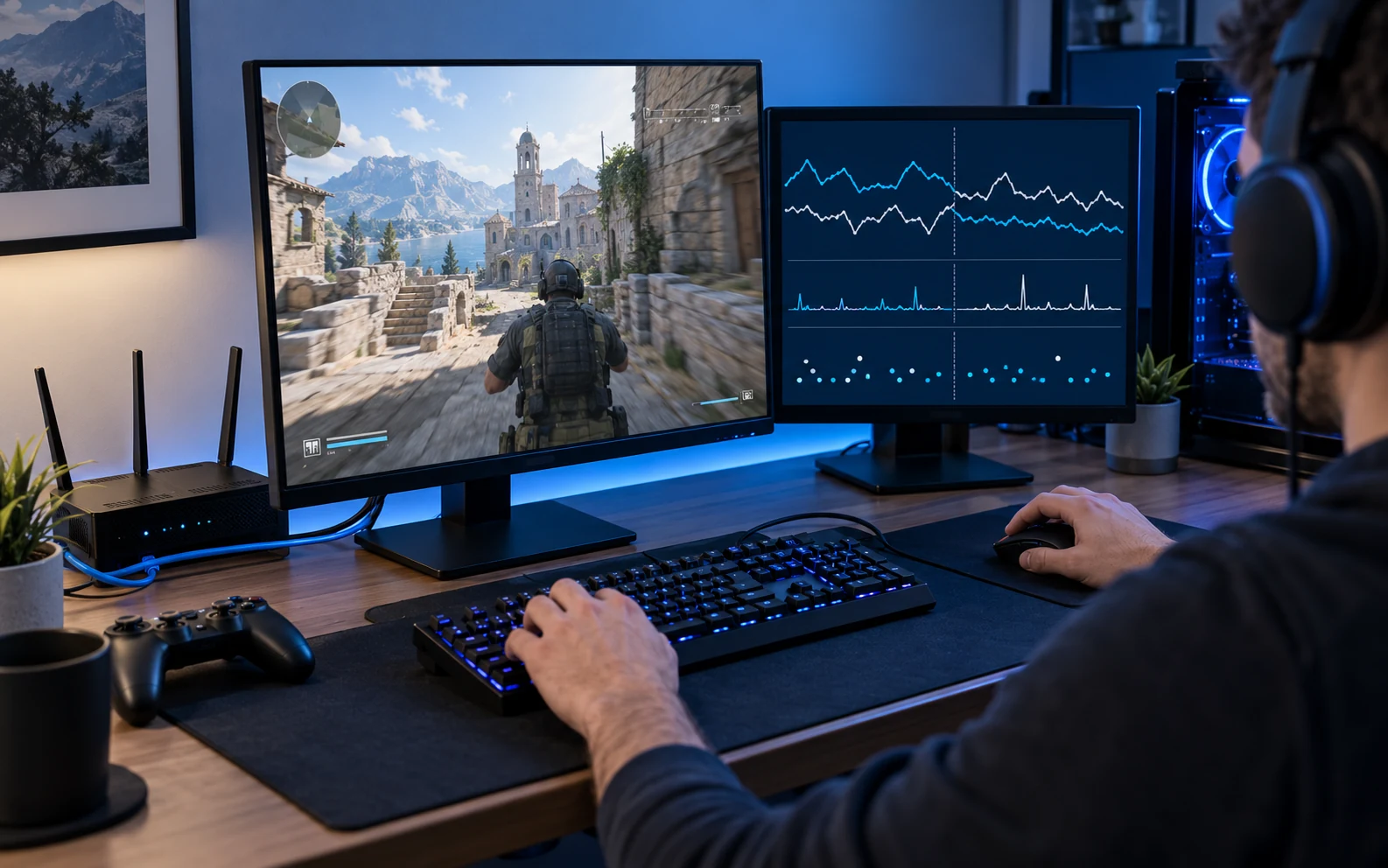
Run several baseline measurements without the VPN, then repeat with each candidate protocol and the same server city. Compare the median rather than the best result. Average ping shows delay, jitter shows how much that delay varies, and packet loss shows whether traffic disappears in transit.
A stable 35 ms connection can feel better than one that jumps between 20 and 90 ms. Test inside the game when possible because a generic speed-test server may follow a different route. Also verify that the visible IP changes and that the connection does not leak when switching networks. Our VPN testing checklist covers the privacy checks.
FAQ
Sources
Primary provider documentation checked October 6, 2026. External sources are listed as text references under VPNVertex's link policy.
- NordVPN Support — NordLynx and WireGuard documentation.
- NordVPN — Gaming VPN guidance and device-limit documentation.
- Surfshark Support — Simultaneous connections and router setup documentation.
- Surfshark — Gaming VPN and latency guidance.
- Proton VPN — WireGuard documentation and paid-plan device allowance.
- Proton VPN Support — Router installation documentation.
- Proton VPN — Open-source app information and published no-logs audit reports.
Published: May 8, 2026 | Last updated: October 7, 2026 | Author: Simon Phillips