

Streaming
How to install NordVPN on Firestick: official steps and fixes
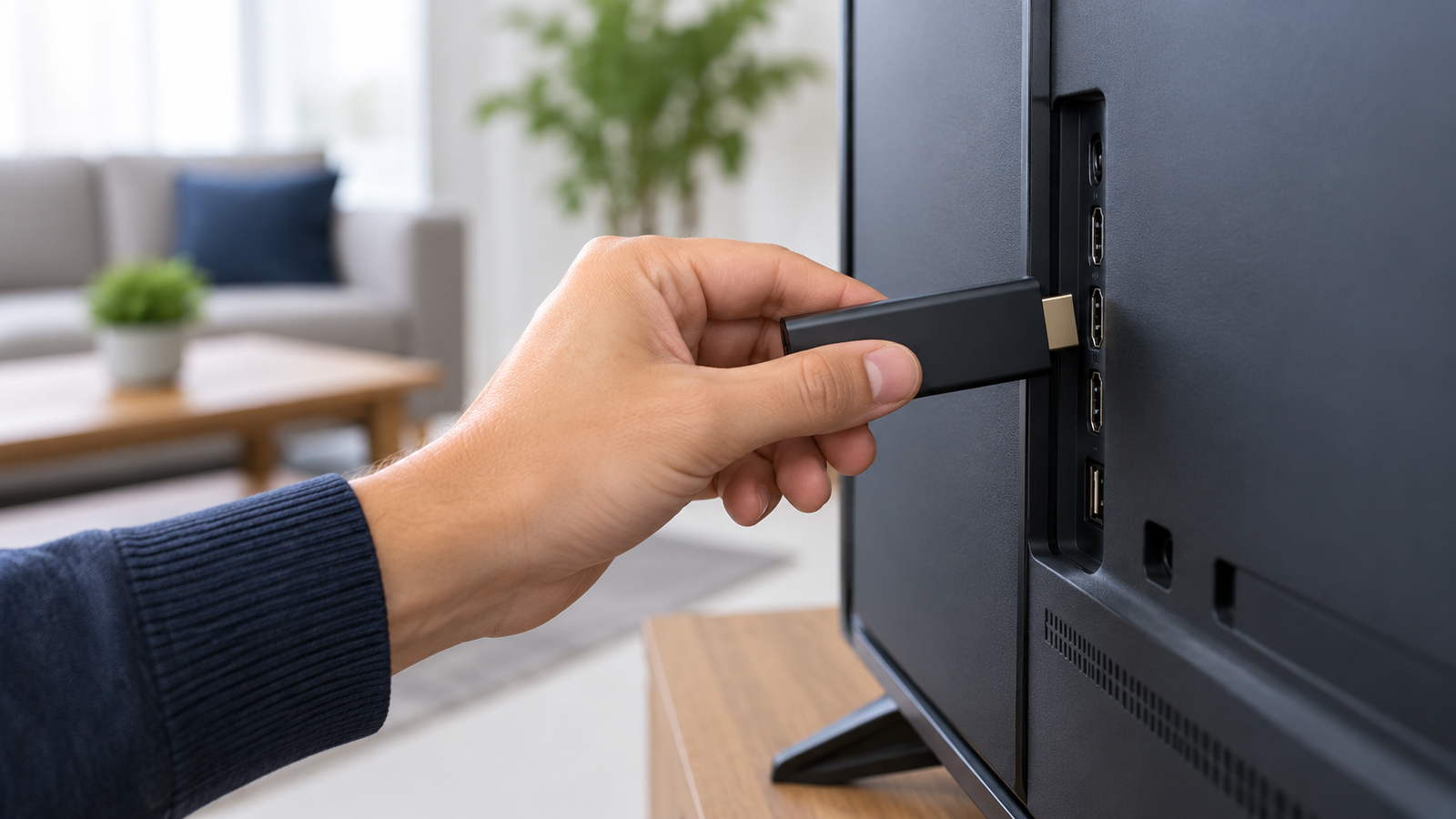
Generic hardware connection, not a product screenshot
Original illustration generated with OpenAI image generation, 2026-09-16.
Illustration, not a VPNVertex hands-on test.
The normal way to install NordVPN on a Firestick is through the Amazon Appstore. Use the official NordVPN Fire devices support article and the Amazon listing as the source of truth.
Short answer: the normal way to install NordVPN on a Firestick is through the Amazon Appstore. Open the Fire TV search, look for the official NordVPN app, select it, and choose the download or install option. Then open the app and sign in. The exact menu labels can vary by Fire TV model and software version.
The short answer
Use the official NordVPN Fire devices support article and the Amazon listing as the source of truth. Avoid treating an old screenshot or an unofficial APK as a required step. Sideloading can create security, update, and compatibility problems that the official app path avoids.
Before you start
- Make sure the Firestick is connected to the internet and signed in to the correct Amazon account.
- Install available Fire TV updates and leave enough storage for the app.
- Have your Nord Account credentials ready. A subscription may be required for VPN access.
- Check NordVPN's current Fire device compatibility guidance if your model is older or uses a different Fire OS version.
Official Fire TV limits
Check the model before you follow the installation steps. NordVPN's official support page says the first-generation Fire TV Stick is not compatible. Some older second-generation and Basic Edition devices are also too old for the current app. For newer Vega OS devices, the provider notes that some functionality is temporarily limited. These exclusions are why a generic “Firestick” label is not enough to confirm compatibility.
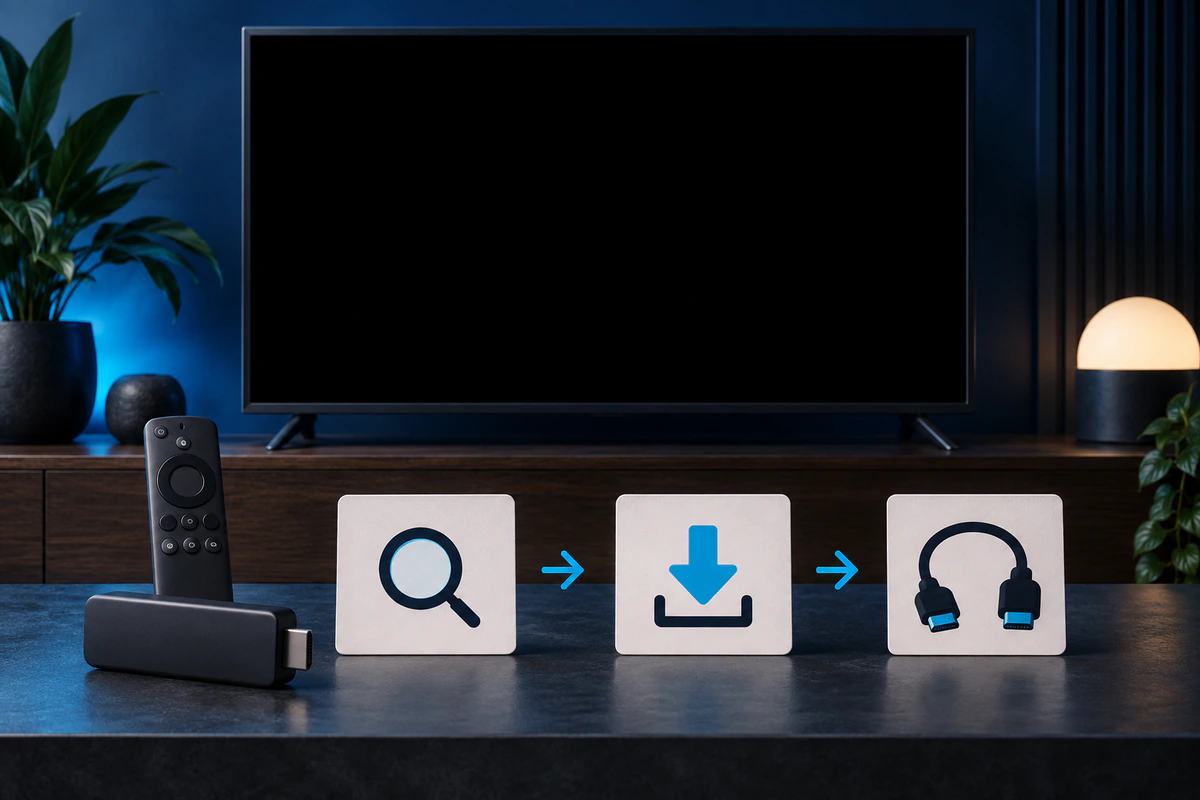
Original editorial image created for VPNVertex.
Install NordVPN from the Amazon Appstore
- Turn on the Firestick and go to the Fire TV home screen.
- Open Find or the search icon, depending on the interface.
- Type NordVPN and select the official app. Check the publisher before installing.
- Choose Get, Download, or Install.
- Wait for the installation to finish, then open the app from the app list.
- Sign in using the on-screen method provided by NordVPN.
After you sign in, the app may ask for permission to create a VPN connection on the device. Read the system prompt and approve it only if you recognize the official app and expected action. The app's connection screen should show whether the VPN is connected.
What to check after installation
Open a normal website or app before and after connecting to confirm that the Firestick still has a working internet connection. If a streaming app behaves differently, remember that a VPN does not guarantee access to a catalog or live channel. Streaming services can apply their own location and proxy rules. For a separate explanation of the broader setup process, see our VPN setup guide.
When you are finished, disconnect from the VPN in the NordVPN app before changing other network settings. That makes troubleshooting easier because you know which connection state the Firestick is using.
If you cannot find the app
Check the exact Fire TV model, region, Amazon account, and software version. Search for the official listing again from the device, then restart the Firestick and check for updates. If the app is unavailable in your store, use NordVPN support or Amazon support for the device-specific reason.
Do not download an APK from an unknown site just because a search result says it is faster. An unofficial package may be outdated, modified, or incompatible. The official Amazon Appstore route is the safer default for this guide.
Original editorial image created for VPNVertex.
If the app installs but will not connect
- Confirm that the Firestick has a stable internet connection without the VPN.
- Close and reopen NordVPN, then restart the Firestick.
- Update both Fire OS and the NordVPN app.
- Check the account sign-in and subscription status.
- Try the provider's official troubleshooting guidance before changing advanced settings.
- Contact NordVPN support if the error continues, and include the Fire TV model and software version.
What current guides say
The current US results for installing nordvpn on firestick include Comparitech, Cybernews, TROYPOINT, and AddictiveTips. They can provide additional context, but their screenshots and steps may age as Fire TV menus change. Cross-check every instruction against the current official NordVPN and Amazon pages.
For service-specific context after installation, compare the existing Sling TV guide and the broader streaming overview. Installation is only one part of compatibility.
What we did not test
VPNVertex did not install or run NordVPN on a live Firestick for this article. We therefore make no claim about a particular model, app version, connection speed, streaming catalog, or server outcome.
FAQ
Final verdict
Install NordVPN on Firestick through the official Amazon Appstore when the app is available for your device. Keep the Firestick updated, avoid unofficial packages, and treat streaming compatibility as a separate question from installation. If the app connects but a service still fails, use our VPN troubleshooting checks before drawing conclusions about the streaming service. Before subscribing, compare the complete terms in our NordVPN Firestick price guide.
Sources
- NordVPN: Installing on Amazon Fire devices, checked September 16, 2026
- NordVPN Firestick download, checked September 16, 2026
- NordVPN Fire TV app on Amazon, checked September 16, 2026
- Comparitech: NordVPN on Fire TV, checked September 16, 2026
- Cybernews: NordVPN Firestick review, checked September 16, 2026