

Streaming
Does NordVPN work with YouTube TV? Location checks and troubleshooting
Live-TV setting without platform UI or compatibility claim
Original illustration generated with OpenAI image generation, 2026-09-16.
Illustration, not a VPNVertex hands-on test.
NordVPN and YouTube TV can be discussed together, but no VPN can guarantee uninterrupted YouTube TV access. YouTube TV uses location information for service availability.
Short answer: NordVPN and YouTube TV can be discussed together, but no VPN can guarantee uninterrupted YouTube TV access. YouTube TV uses location information for service availability, and NordVPN's own support documentation treats YouTube TV failures as a troubleshooting issue rather than a permanent compatibility promise.
The short answer
This article is about YouTube TV, the live-TV service. It is not a guide to regular YouTube, and changing a network connection does not change YouTube TV's account, home-area, or service rules.
Why YouTube TV checks location
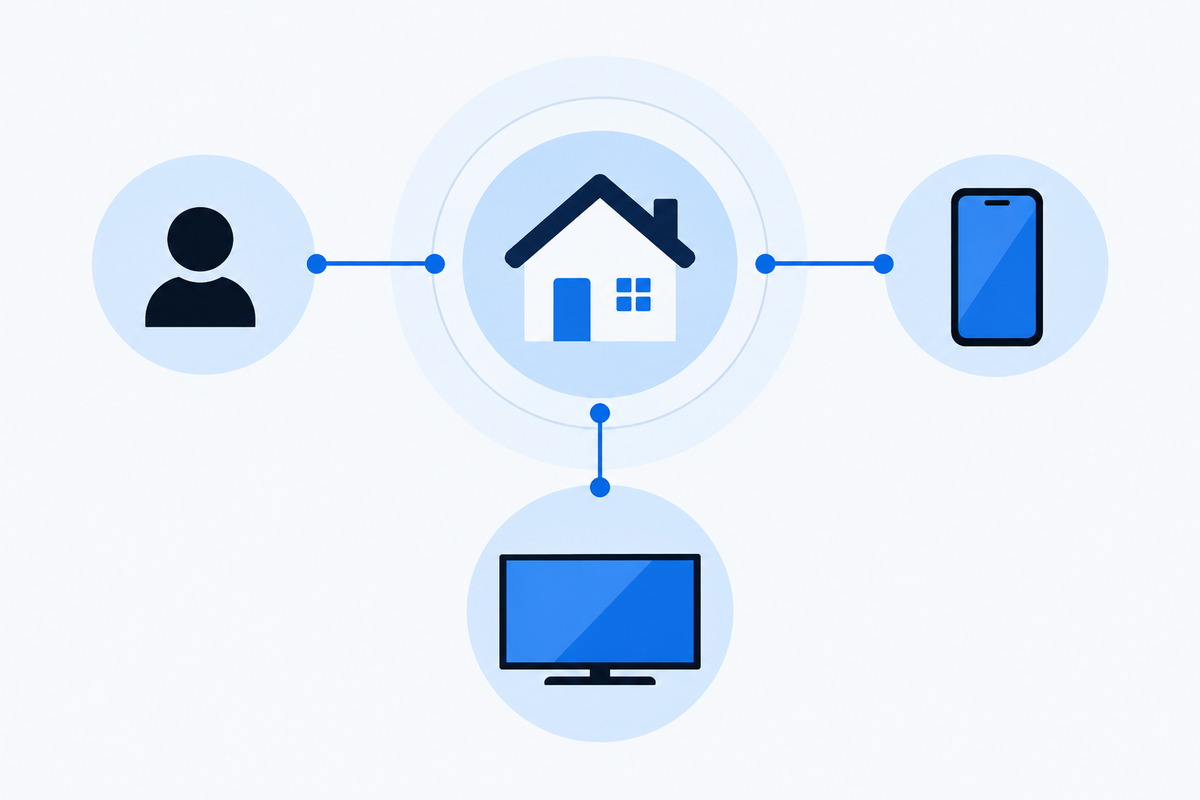
YouTube TV's help pages explain that the service uses location information for availability and local programming. The service may ask you to verify your current location, and your home area is a separate concept from a temporary connection while traveling.
That is why a VPN can create a mismatch instead of a simple fix. Your account, device location, browser or app data, and network route may not tell the same story. A location error is not automatically a VPN speed issue.
NordVPN's support page also notes that some live content on a mobile device requires GPS location services, so mobile Android or iOS playback may not be available while connected. Treat that as a device-specific limitation to check, not as a general verdict on YouTube TV.
Use a supported, updated device and the current YouTube TV app or website. Keep the account's home-area and current-location requirements separate from the network route. If the service asks for location verification, use the official process for the account instead of inventing an address or treating a VPN connection as proof of eligibility.
Original editorial image created for VPNVertex.
What NordVPN documents
NordVPN has a support article specifically for cases where YouTube TV does not work with NordVPN. Its troubleshooting approach should be read alongside YouTube TV's own help pages. The provider may suggest ordinary connection and app checks, but that does not override YouTube TV's eligibility or location rules.
Use the official support path first: check the account, update the app, restart the device, and follow the service's location-verification instructions. If the error persists, contact the relevant service rather than repeatedly changing settings and assuming that one particular server is guaranteed to work.
What independent reviews can tell you
The current US results for nordvpn youtube tv include Comparitech, Security.org, and TheSpool. These are useful comparison sources, but their tests are time-bound. They may use different devices, browsers, accounts, locations, and definitions of success.
When reading a review, look for the test date and the exact scenario. A reviewer who loaded a page is not necessarily reporting that local channels, recordings, live sports, or every account function worked normally. Streaming platforms can change detection and location behavior without notice.
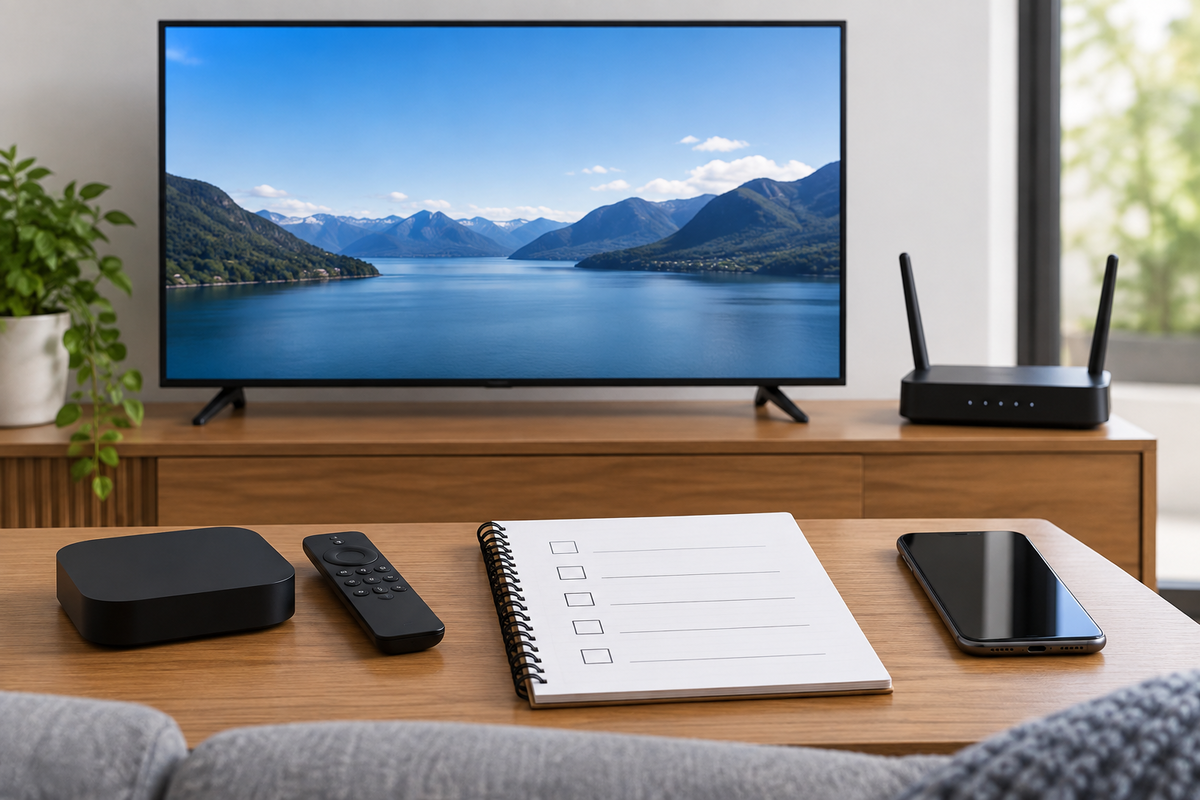
Responsible troubleshooting checklist
- Confirm that you are using the YouTube TV app or website, not regular YouTube.
- Check the official YouTube TV help page for current location and home-area requirements.
- Confirm that the device and app are supported and up to date.
- Update the YouTube TV app and the device operating system.
- Sign out and back in, then restart the app and device.
- Check whether the issue appears with the VPN disconnected. This is a diagnostic comparison, not a promise that the VPN can change eligibility.
- If YouTube TV asks you to verify location, use its official process and do not invent an address.
- If the account or service still rejects the connection, use YouTube TV or NordVPN support.
Original editorial image created for VPNVertex.
What not to assume
Do not assume that a VPN will provide local channels from any city, preserve every home-area feature while traveling, or bypass a service restriction forever. Do not treat a third-party “best VPN” label as an endorsement by YouTube TV. And do not confuse a privacy benefit on public Wi-Fi with a guarantee of streaming availability.
For a comparable platform-specific troubleshooting example, see our guide to Hulu VPN errors. The services are different, but the same editorial rule applies: official location and account rules come before a VPN review.
What we did not test
VPNVertex did not run a live YouTube TV test for this article. We make no claim about a specific server, channel lineup, playback quality, home-area status, or current detection result.
FAQ
Final verdict
NordVPN can be part of a YouTube TV troubleshooting discussion, but the honest answer is conditional. YouTube TV's location and account rules remain decisive. Use current official guidance, treat independent tests as dated evidence, and avoid any article that promises permanent access to local channels. If you meant regular YouTube rather than the live-TV service, use our separate YouTube guide. For broader comparisons, see our streaming overview. Baseball viewers can also use our NordVPN and MLB.TV guide.
Sources
- YouTube TV Help
- YouTube TV location verification
- NordVPN: YouTube TV does not work
- Comparitech: NordVPN and YouTube TV
- Security.org: VPNs for YouTube TV